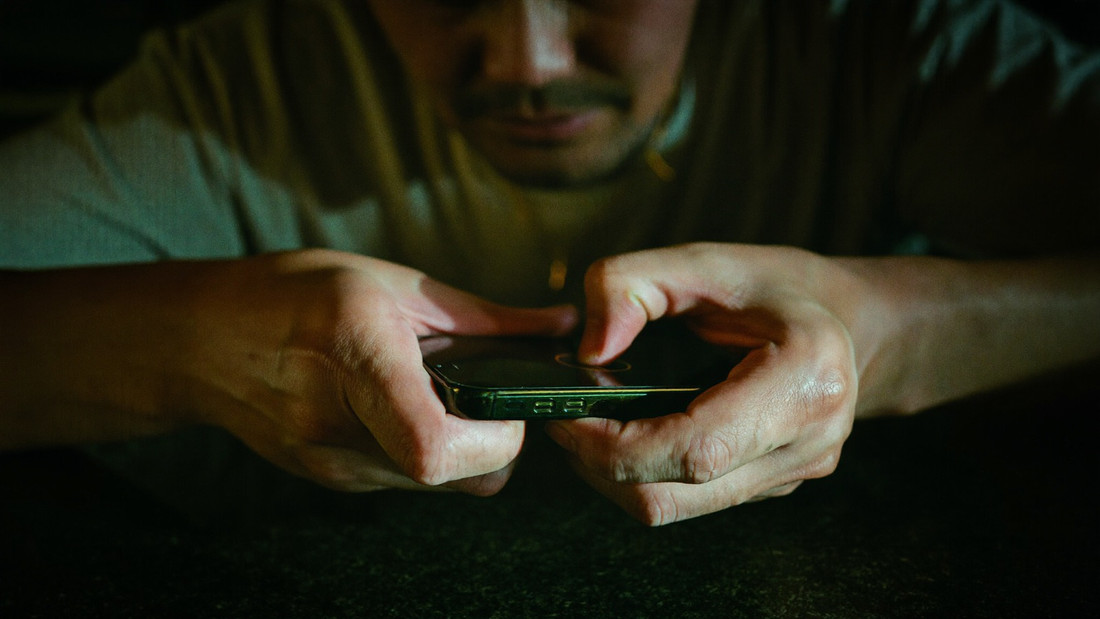
 A fingerprint, not a typed password
Get Back Into EUWIN Login With a Fingerprint and Play
You are two seconds from the room you played last, and the only thing in the way is knowing which sign-in you are being asked for. There are two: the account sign-in, which is your name and password or a fingerprint once you set it, and the per build access credentials, which are issued the first time you open each of the 6 rooms and are case sensitive. A session runs on one device at a time, a new handset asks for an SMS code, and live chat picks up in under 90 seconds around the clock. Deposit RM35 once you are in. EUWIN APK is where the builds come from.
- Set a fingerprint or a six digit PIN the first time you sign in. After that you never type the account password on a phone keyboard again.
- Save each build's credentials in your phone's password manager the moment the room issues them. They are case sensitive and they are per room.
- Sign out on the phone you are leaving behind. A session runs on one device at a time, so a second sign-in closes the first.
- Keep your verified number reachable. A new handset asks for an SMS code before it lets you in, and so does a password reset.
Two sign-ins, and which one the screen is asking for
The account sign-in is yours and it is one: a name, a password, and a fingerprint on top of it once you set one. Everything to do with money uses that one, so the cashier at EUWIN Online Casino Malaysia, a withdrawal from RM50 and your rebate history all sit behind it and behind nothing else. On a computer the website asks for the same name and password, because the fingerprint belongs to the handset rather than to the account.
The build credentials are different. Each of the 6 rooms issues its own the first time you open it from your account, they are case sensitive, and they belong to that room. That is how this operator actually works, and it is the single thing new players find confusing. Type them correctly the first time, because a private browsing window will not remember them for you, and a trusted online casino keeps the two sign-ins apart on purpose. Save them at issue, not at need. Once you are through, the slot shelf, the sport you follow and the 4D board you buy a slip from are one tap away, and real money gaming picks up where you left it, which is of course the whole point of coming back. The honest version is that two sign-ins are one more than anybody would like, and a password manager removes both so you can enjoy the room instead. EUWIN register is where the account itself starts.
A fingerprint is faster than a password you half remember
Set the biometric lock on the first sign-in and the build opens on the room you were in, with your balance already there. The password stops being something you type at midnight on a bus and becomes something your phone keeps, which is also what stops the real problem: three mistyped attempts in a row is what locks an account.
If your phone has no fingerprint reader, use the six digit PIN instead, and let the password manager fill the account password in the browser. A long password you never type is safer and quicker than a short one you do. The browser route itself is in EUWIN online casino.
One session at a time, on one handset
Sign in on a second phone and the first session closes. That is deliberate: two live sessions on one account is how a bet gets placed twice and how a table seat ends up contested by its own occupant. Nothing is lost when a session closes, because a wager the server accepted is already settled on the server.
In practice it means deciding which handset is the one you play on. A tablet at home and a phone on the road works fine as long as you only use one at a time. Where this bites is a live dealer table, because a seat and a stream do not survive being picked up elsewhere; EUWIN live casino has the detail.
A new handset, and moving your sign-in across
Install the build on the new phone, sign in with the account name and password, and answer the SMS code sent to your verified Malaysian number. Then set the fingerprint again, because biometrics live on the handset and not on the account. The build credentials come from the server, so each room hands them back when you open it.
If the number itself has changed, that is a support job rather than a form: customer support answers in under 90 seconds and verification is looked at within 45 minutes. Keep the old phone until the new one is signed in and playing, which is the one piece of advice everybody skips.
| What you are signing into | What it asks for | Where that lives |
|---|---|---|
| Your account | A name and a password | Your password manager |
| A build on this phone | A fingerprint or a 6 digit PIN | The handset, not the account |
| A room inside a build | Its own credentials, case sensitive | Issued on first open, held on the server |
| A new handset | An SMS code to your number | Your verified Malaysian number |
| The cashier | Nothing extra at all | The session you already have |
Frequently asked questions
Why does each room ask for its own credentials?
Because each of the 6 builds is a separate product with a separate access record. They are issued on first open, they are case sensitive, and your balance is shared across all of them regardless.
I signed in on another phone and got kicked out. Why?
A session runs on one device at a time, so the newer sign-in closes the older one. No wager is affected: anything the server accepted is already settled and the balance shows it.
What if I lose the phone with the fingerprint on it?
The biometric lives on that handset, not on the account, so a new phone signs in with the account password and an SMS code to your verified number. Live chat answers in under 90 seconds if the number has changed too.
Does the cashier ask me to sign in again?
No, it runs inside the session you already have. A deposit of RM35 clears in under 40 seconds and a withdrawal from RM50 is requested on the same screen, with no second password.